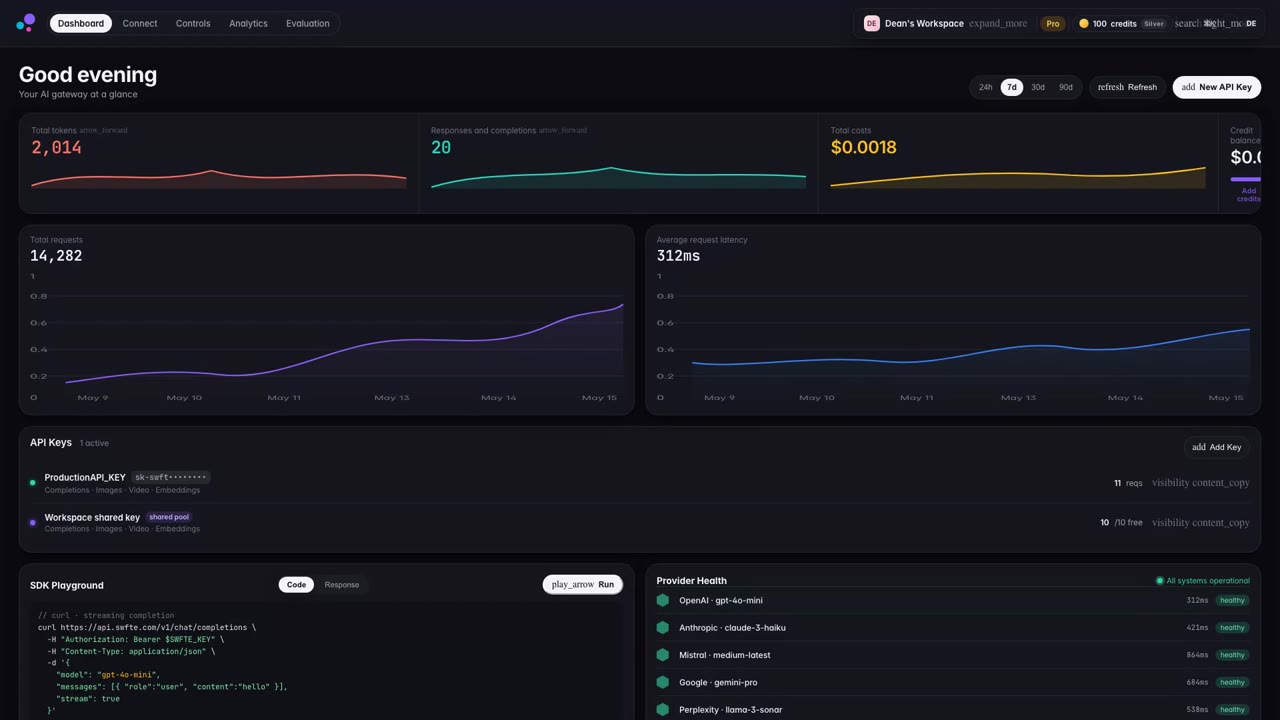
Inventory models and tool endpoints.
Begin with the real work, the people involved and a clear definition of what a useful outcome would be.
MCP Gateway
Explore a common boundary for model and tool access. Begin with your existing endpoints, the teams using them and the permissions the workflow requires.
Start a conversationSHAPE A USEFUL FIRST STEP
Begin with the real work, the people involved and a clear definition of what a useful outcome would be.
Confirm the information, connections and permissions needed to support this part of the workflow.
Use representative examples to test the approach with the people who will own and operate it.
THE ROUTING
Requests arrive on the left, cross the model and tool gateway and leave by the route its rules decide. Choose a rule to watch the traffic re-route.
By team permission. Each team reaches only the endpoints it has been granted.
PART OF A CONSIDERED WHOLE
Connect providers, choose models, test releases and deploy on your terms. The operational bridge between a working prototype and dependable AI.
A starting point for discovery. Specific capabilities, integrations and deployment requirements are agreed with your team.