NIELLO Builder / The agentic studio
Your ambition.
Made operational.
A studio for turning the way your business works into agents, applications and connected workflows. Design visually. Go deeper with code.
Explore BuilderTHE WORKFLOW ATELIER
Make the path through the work visible.
Walk through a connected process. Inspect what enters each step and what should emerge.
Trigger
A delivery update arrives in the approved inbox.
↗ A bounded request, ready to inspect.MADE TO MOVE YOU FORWARD
A clearer purpose.
A more powerful possibility.
Build the whole workflow
Compose models, tools, knowledge and human approvals on a visual canvas. Make the branching logic as clear as the happy path.
Evaluate before you scale
Use representative examples to inspect outputs, failure modes and tool calls. Compare changes before handing a release to Bridge.
Make expertise reusable
Turn a proven workflow into a shared component. Version the instructions, tools and context together so teams can build on each other’s work.
HOW THE WORK MOVES
From intent to outcome.
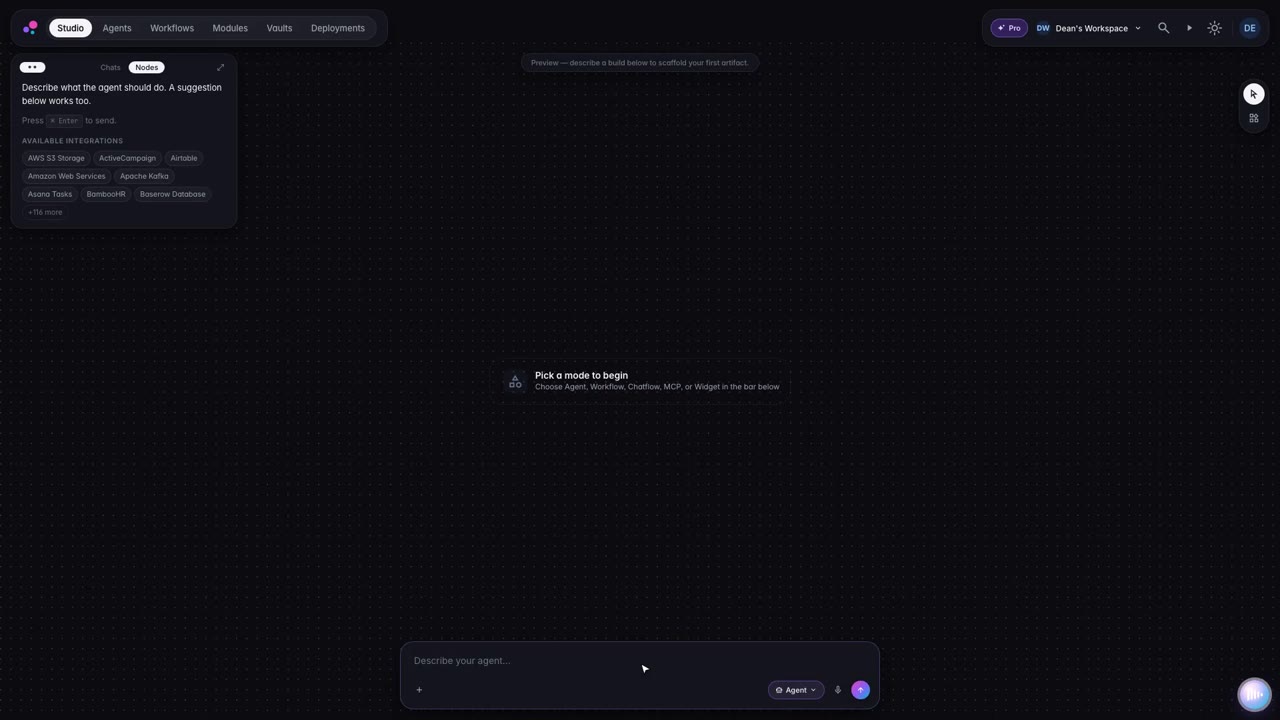
Describe the outcome
Compose the workflow
Evaluate real examples
Publish a version
BETTER, CONNECTED
Builder is only the beginning.
A LITTLE MORE CLARITY
Good questions.
Clear answers.
How do we begin with Builder?
Bring a concrete use case to a discovery conversation. We will map how Builder fits the workflow, confirm the systems and access it needs, and agree on what a useful pilot should demonstrate.
Can we keep our existing systems?
The platform is designed to work with your systems and chosen model providers. Connector availability, infrastructure boundaries and data requirements are confirmed when scoping your deployment.
How is availability confirmed?
The site describes the Niello product direction. Specific features, integrations, deployment options and commercial terms are confirmed with your team before an engagement begins.